

If you are building kiosks, self-service terminals or industrial displays, one of the first technical decisions you will face is touch technology. The two dominant options today are PCAP (projected capacitive) and IR (infrared) touch. Both are proven technologies – but they behave very differently in real projects.
This guide goes beyond basic definitions. We compare PCAP and IR across the factors that actually decide project success, and give you a practical selection framework you can apply to your next terminal.
How Each Technology Works (in 30 Seconds)
PCAP (Projected Capacitive): A grid of transparent electrodes is embedded in the cover glass. Your finger changes the electrical field at the touch point, and the controller calculates the position. This is the same technology in your smartphone.
IR (Infrared): A frame around the display holds infrared LEDs and receivers, creating an invisible light grid in front of the screen. Any object that breaks the grid – finger, gloved hand, stylus, even a pen cap – registers a touch.
That fundamental difference – electrodes in glass vs light grid in a frame – explains everything else in this comparison.
The Full Comparison: 8 Factors That Matter
| Factor | PCAP | IR |
|---|---|---|
| Touch feel | Smooth, smartphone-like, effortless | Slightly higher activation force, less “premium” feel |
| Multi-touch | True 10-point multi-touch, fast and precise | Usually 2–10 points, lower precision for gestures |
| Input objects | Bare finger or special capacitive stylus; most gloves don’t work | Any object: gloves, stylus, pen, wet fingers |
| Optical clarity | Excellent – no frame, edge-to-edge glass | Good, but the IR frame slightly reduces effective area and adds bezel height |
| Front surface | Fully flat, easy to clean, sealed (IP65 front possible) | Raised frame edge; dust and water can accumulate at the frame |
| Environmental tolerance | Sensitive to water droplets and strong EMI on the surface | Immune to surface water/oil, but direct strong sunlight can interfere with IR sensors |
| Size range | Best from 7″ to 32″; larger sizes get expensive | Cost-effective from 32″ up to 65″+ |
| Cost | Higher in small sizes, dropping steadily | Higher component cost in small sizes, very competitive in large sizes |
Choose PCAP When:
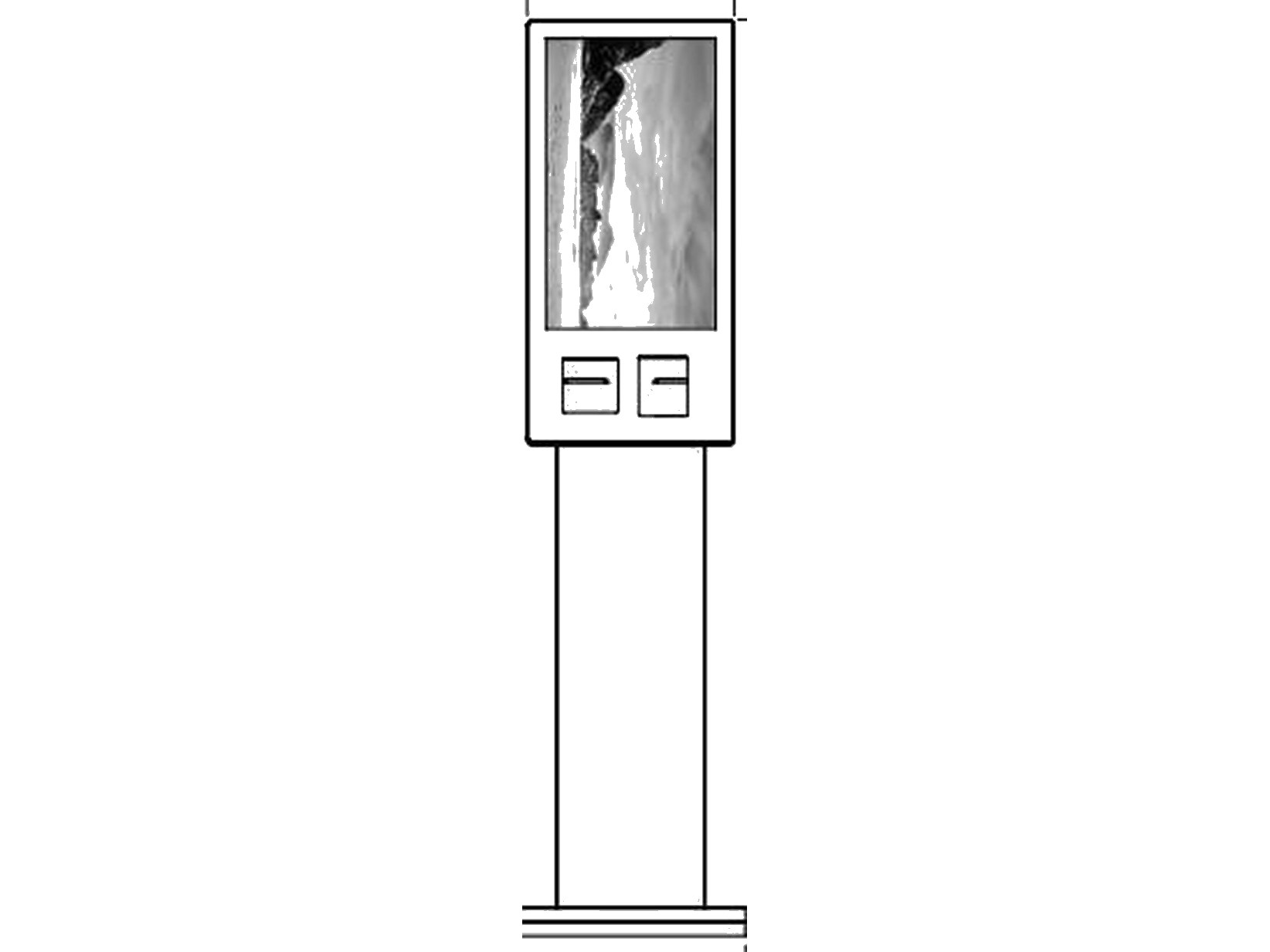
- Your kiosk is indoors – retail, F&B ordering, banking terminals, hotel check-in
- User experience matters – consumer-facing applications where a smooth, modern touch feel reflects your brand
- You need a sleek design – flat glass front, minimal bezel, easy-clean surface (important for food courts and healthcare)
- Multi-touch gestures are part of the UI – pinch-to-zoom maps, image browsing, modern interfaces
- Sizes are 10.1″–32″ – the sweet spot where PCAP quality is high and cost is reasonable
Choose IR When:
- Users wear gloves – industrial sites, cold storage, medical environments, outdoor workers
- Any-object input is needed – stylus signatures, ticket scanning against the screen
- The display is large – 43″–65″ wayfinding, information and advertising displays where PCAP becomes costly
- The environment is wet or dirty on the surface – IR doesn’t care about water droplets or grease on the glass
The Project-Oriented Decision Framework
Still not sure? Answer these four questions:
- Who touches the screen? General public indoors → PCAP. Workers with gloves or stylus → IR.
- How big is the display? Under 32″ → PCAP is usually better value. Over 43″ → IR often wins on cost.
- What does the front of your kiosk look like? Flush, sealed, easy-clean design → PCAP. Recessed display behind a frame → IR fits naturally.
- Where does it live? Air-conditioned indoor space → PCAP. Semi-outdoor with rain exposure on the glass → IR. Direct strong sunlight → PCAP (sunlight can blind IR sensors).
What About Optical Bonding?
Whichever technology you choose, ask your supplier about optical bonding – laminating the touch panel directly to the LCD with no air gap. It improves sunlight readability, eliminates internal condensation (critical in humid climates), and increases impact resistance. For Southeast Asian or outdoor deployments, we recommend it on almost every project.
Our Recommendation for Most Kiosk Projects
For the typical indoor self-service kiosk – ordering, payment, check-in, ticketing – PCAP in 15.6″–27″ sizes is the industry standard for good reason: best user experience, clean design, and mature supply chains that keep costs competitive.
IR remains the right specialist tool for large formats, gloved users and harsh-surface environments.
Not sure which fits your project? Send us your application scenario – our engineers will recommend the right touch technology, size and bonding option for your deployment environment. You can also check our FAQ for quick answers, or read our Southeast Asia sourcing guide for regional project considerations.