

Most buyers comparing touch technologies end up choosing between PCAP and infrared. There is a third option that gets far less attention than it deserves: surface acoustic wave, or SAW. For the right project, SAW offers a combination of optical clarity, durability and input flexibility that neither PCAP nor IR can match at the same price point. This guide explains how SAW works, where it wins, where it loses, and how to decide if it belongs in your next kiosk or industrial display.
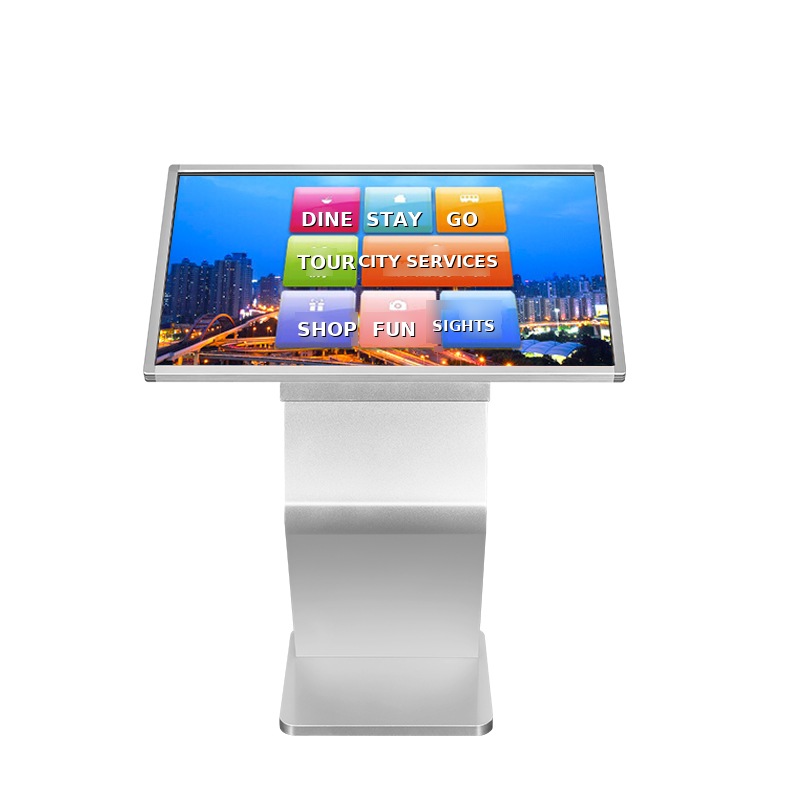
How SAW Touch Works
A SAW touch screen has no overlay grid and no extra conductive layer. Instead, ultrasonic transducers mounted on the edges of the glass send acoustic waves across the surface. When a finger, gloved hand or soft stylus touches the glass, it absorbs part of the wave, and the controller calculates the exact touch position from that interruption. Because the sensing happens on plain glass, the display keeps its original brightness and clarity.
Where SAW Wins
- Optical clarity: no IR frame grid, no extra film — light transmission is close to the bare panel, which matters for advertising and content-rich kiosks.
- Input flexibility: works with a bare finger, a gloved finger, or a soft stylus — useful in healthcare, ticketing and industrial settings.
- Durable glass surface: scratch-resistant and sealed-front designs handle public use well.
- Stable in indoor environments: no infrared blind spots from strong ambient light.
Where SAW Loses
- Limited multi-touch: SAW typically supports single or dual touch. If your software needs pinch-zoom and multi-finger gestures, choose PCAP.
- Surface contamination: water droplets, grease and dust on the glass can register as false touches. SAW needs a reasonably clean, indoor or semi-protected environment.
- Not ideal for unsupervised outdoor use: rain and dirt are its enemies. Outdoor projects belong to high-brightness PCAP or sealed IR designs.
SAW vs PCAP vs IR — Quick Comparison
- PCAP: best multi-touch and gesture support, sleek bezel-less designs, higher cost at large sizes, struggles with thick gloves unless tuned.
- IR: works with any object including thick gloves, scales to very large sizes at low cost, but the frame adds bezel height and bright sunlight can interfere.
- SAW: best optical clarity of the three, glove-friendly, mid-range cost, but limited multi-touch and needs a clean surface.
Typical Projects for SAW
Indoor self-service kiosks, gaming and amusement machines, ticket vending in transit halls, medical carts, and information displays in museums or libraries — anywhere content quality matters, users may wear light gloves, and the environment stays reasonably clean.
How to Decide
Ask three questions: Does the software need multi-finger gestures? Will the screen face rain, heavy dust or direct sun? Does the user wear gloves? Multi-touch-heavy software points to PCAP; harsh outdoor conditions point to sealed IR or outdoor PCAP; clean indoor use with gloves and premium visuals points to SAW. If you are not sure, send us your project brief — talk to an engineer, not a salesperson, and we will match the touch technology to your actual use case.