
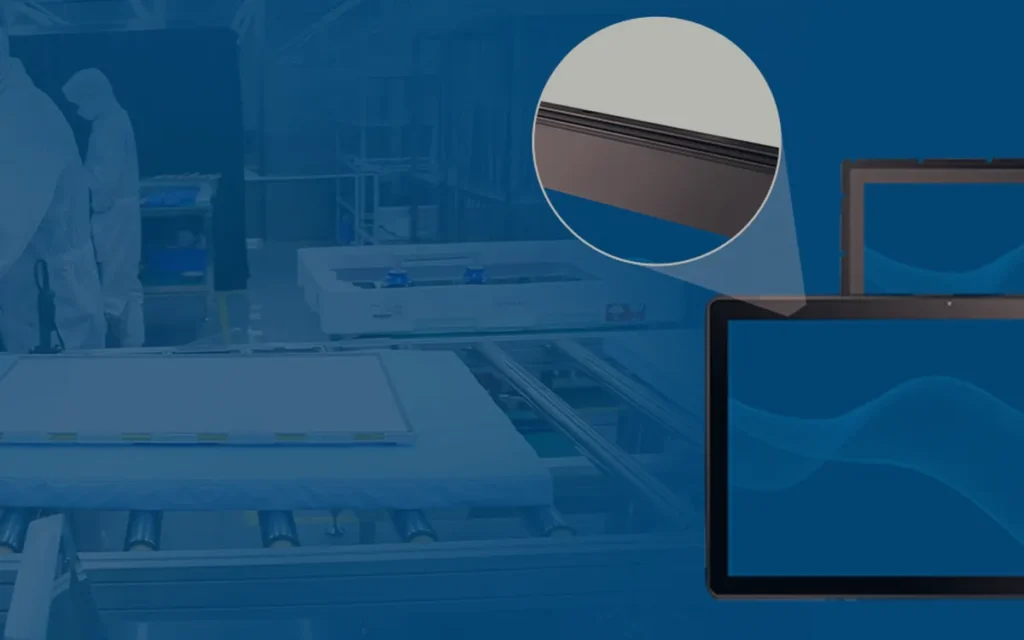
How to Evaluate a Touch Display Sample Before Mass Production
Received a touch display sample? Run these 8 practical tests — touch accuracy, brightness, viewing angles, cable stress, 72-hour burn-in — before you approve mass production.

Received a touch display sample? Run these 8 practical tests — touch accuracy, brightness, viewing angles, cable stress, 72-hour burn-in — before you approve mass production.
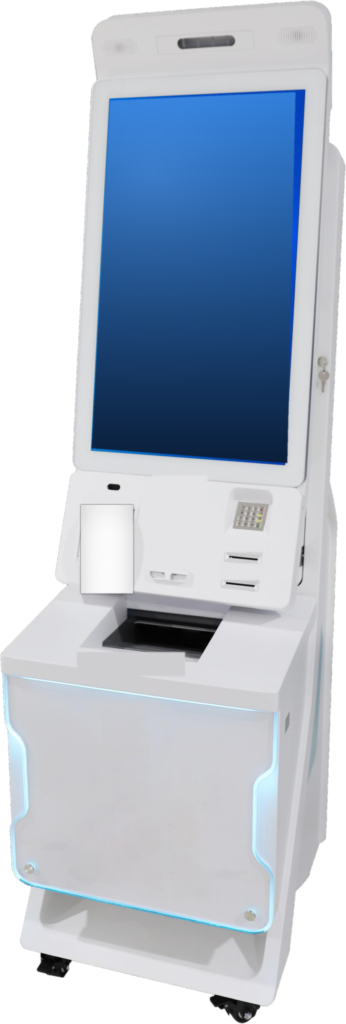
Anti-glare, anti-reflective and anti-fingerprint coatings for kiosk touch screens — what each does, what it costs, and which your project actually needs.
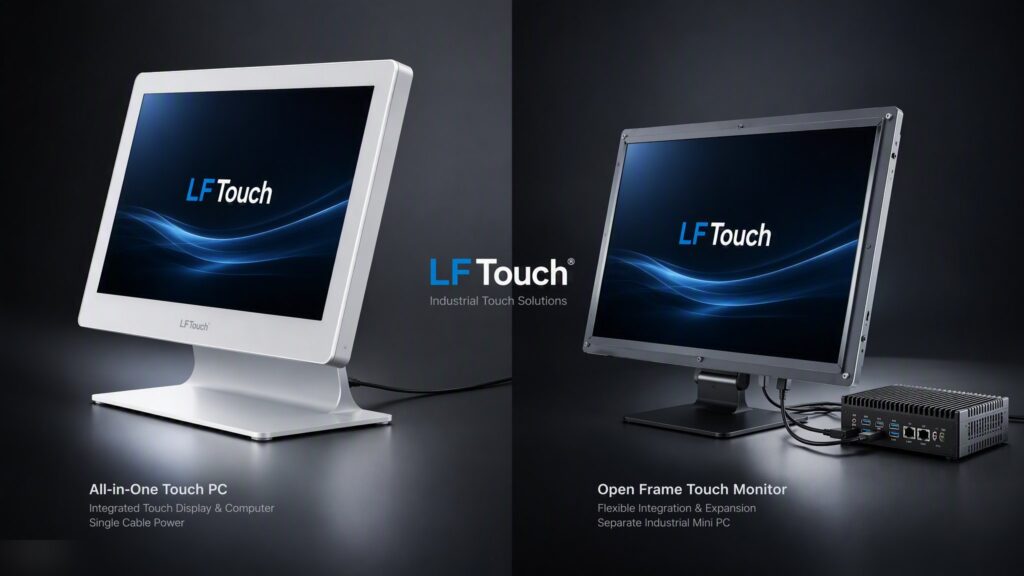
All-in-one touch PC or touch monitor with a separate PC? Compare cost, maintenance, upgrades, heat and reliability to choose the right kiosk architecture.
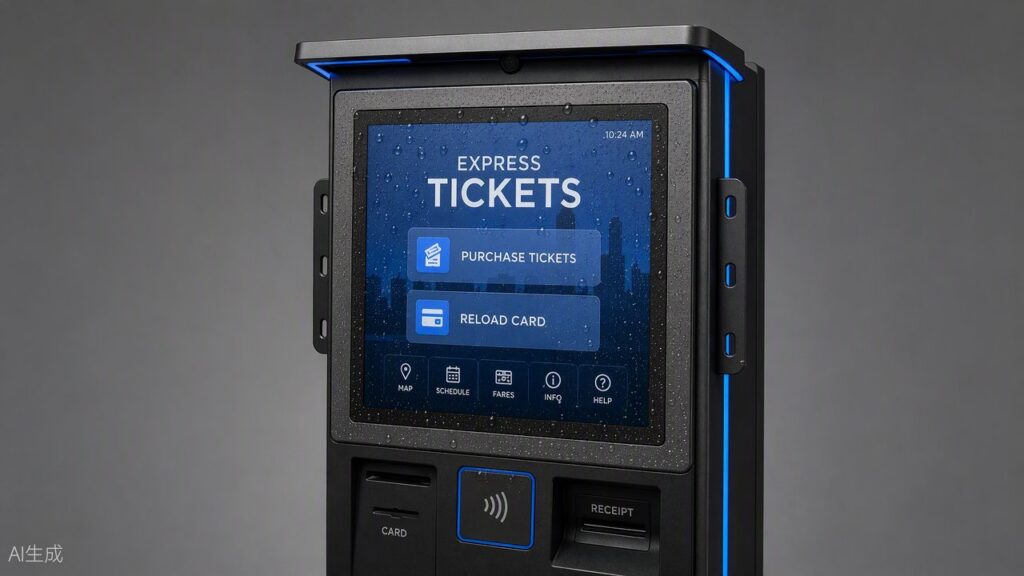
IP ratings explained for kiosk buyers: what IP65 front panel really means, when you need it, when you don’t, and how to verify a supplier’s claim.
Outdoor kiosks need sunlight readable displays. Learn how brightness (nits), optical bonding, thermal design and sealing affect outdoor touch display performance.
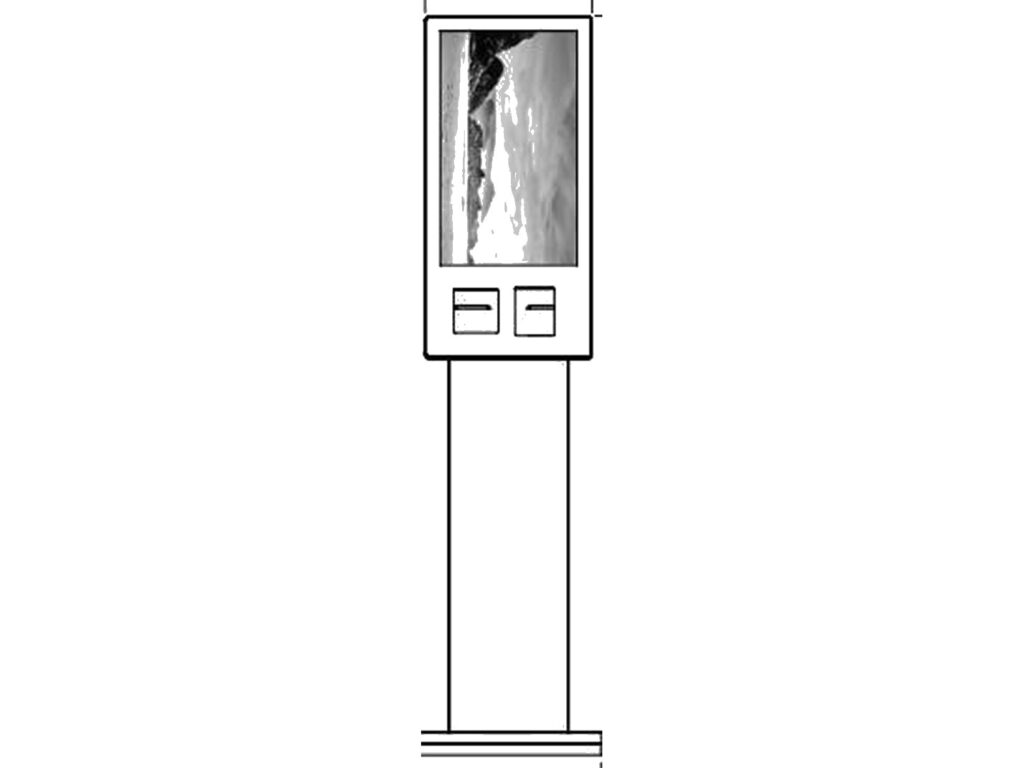
PCAP or IR touch screen for your kiosk? A practical comparison of durability, multi-touch, glove operation, optical performance, cost and ideal applications.
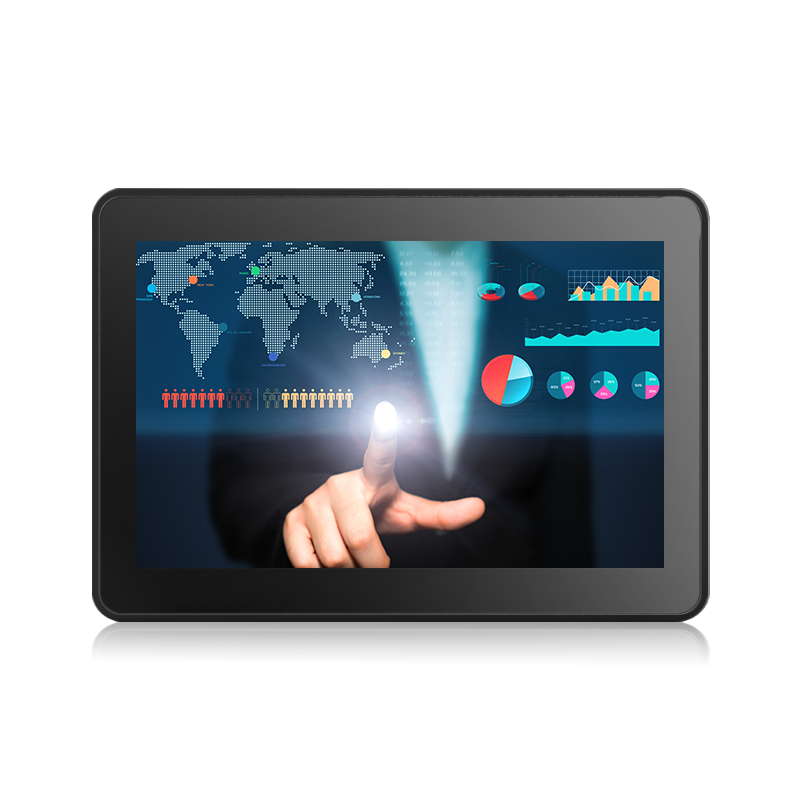
Compare PCAP and IR touch screen technologies and find out which one is the better choice for demanding industrial applications.