

“
Looking for a deeper, project-oriented comparison? Read our complete PCAP vs IR selection guide.
“
Touch screen technology plays an important role in industrial monitors, kiosks, self-service terminals, medical equipment, and embedded display systems. For many B2B projects, choosing the right touch technology can directly affect user experience, product reliability, installation design, and long-term maintenance.
Two common touch technologies are PCAP touch screen and IR touch screen. Both technologies are widely used in different applications, but they are not the same. The best choice depends on the application environment, screen size, operating method, design requirement, and project budget.
What Is PCAP Touch Screen?
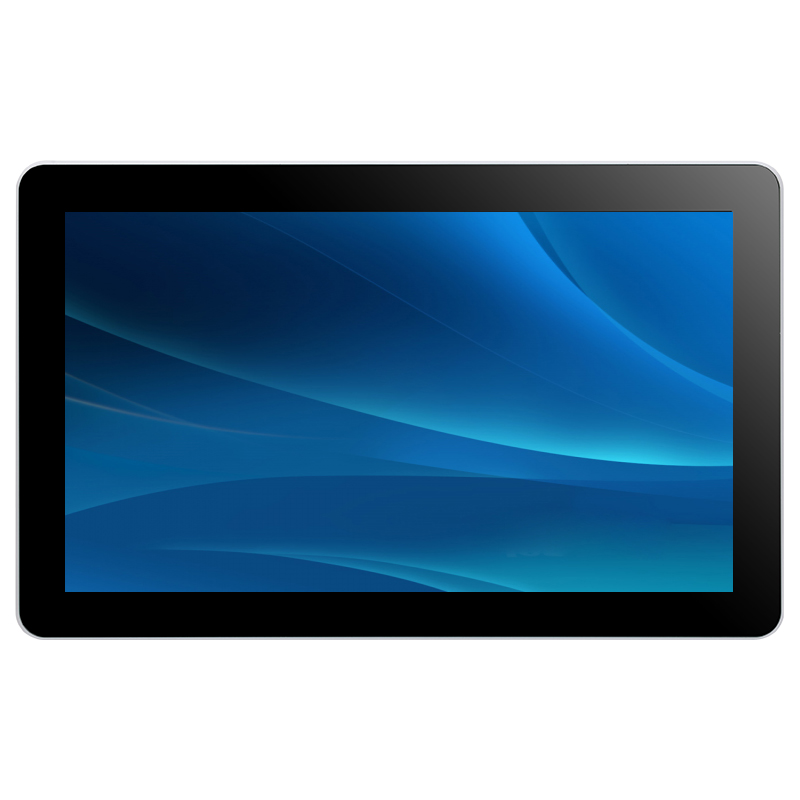
PCAP stands for projected capacitive touch. It is one of the most common touch technologies used in modern touch monitors, industrial displays, tablets, kiosks, and smart terminals.
PCAP touch screens support smooth touch response, multi-touch operation, and a clean flat-front design. Users can operate the screen with fingers, and in some customized solutions, glove touch or water-resistant touch can also be supported.
For many modern kiosk and industrial projects, PCAP is popular because it provides a good user experience and a more premium appearance. It is suitable for applications where design, touch accuracy, and front glass integration are important.
What Is IR Touch Screen?
IR stands for infrared touch. An IR touch screen uses infrared light beams around the screen frame to detect touch points. When a finger or object interrupts the infrared light, the system recognizes the touch position.
IR touch technology is often used for larger touch displays, interactive screens, digital signage, education displays, gaming machines, and some industrial applications. It can support touch operation with fingers, gloves, stylus, or other objects.
Because IR touch does not require direct electrical contact with the glass surface, it can be useful in some special applications. However, the touch frame design, latency, environmental interference, and installation structure should be carefully evaluated.
Main Differences Between PCAP and IR Touch
- Touch Experience
PCAP usually provides a smoother and faster touch experience. It feels similar to using a smartphone or tablet. This makes it suitable for projects that require accurate touch, multi-touch gestures, and a modern user interface.
IR touch can also work well, especially on larger screens. However, the touch experience may depend on the quality of the IR frame, controller, software tuning, and application environment.
- Appearance and Structure
PCAP touch screens can support a flat front design, which is attractive for kiosks, medical devices, smart terminals, and modern industrial products. The glass surface can be customized with cover glass, logo printing, anti-glare treatment, or other designs.
IR touch screens usually require a touch frame around the display area. This may make the structure slightly different from a full-flat PCAP design. For some projects, this is acceptable. For others, especially products that need a clean front appearance, PCAP may be a better choice.
- Operation with Gloves or Objects
IR touch can support touch input with fingers, gloves, stylus, or other objects. This can be useful in industrial, public, or special environments.
PCAP can also support glove touch in some customized designs, but it depends on the touch controller, glass thickness, glove material, and tuning requirement. If glove operation is important, this should be tested before mass production.
- Screen Size
PCAP is commonly used in small and medium-sized touch monitors, such as 10.1 inch, 15.6 inch, 17 inch, 21.5 inch, and 27 inch displays. It can also be used for larger screens, depending on the project requirement.
IR touch is often used for larger displays because the technology is suitable for big screen applications. For interactive signage, large kiosks, and public display systems, IR can be a practical option.
- Environmental Considerations
Industrial and commercial environments may include dust, moisture, vibration, electromagnetic interference, strong light, or long working hours. These factors may affect the choice of touch technology.
PCAP solutions need proper design for grounding, EMI control, cover glass, and controller tuning. IR touch solutions need attention to frame protection, dust, light interference, and touch response.
Which One Is Better for Industrial Applications?
There is no single answer for all projects. PCAP is often better for projects that require a modern appearance, smooth touch performance, multi-touch operation, and a flat front design. It is commonly used in kiosks, medical equipment, industrial control panels, and smart retail terminals.
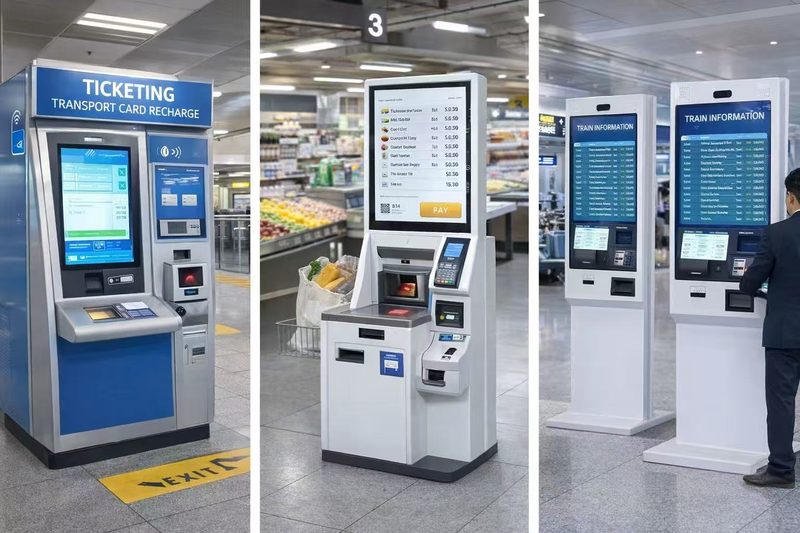
IR touch may be better for large-size displays, glove operation, stylus operation, or applications where different touch objects are required. It can also be suitable for some public terminals, digital signage systems, and interactive equipment.
For industrial applications, the right choice should be based on the actual working environment, installation structure, user behavior, and product design.
How LFTouch Supports Custom Touch Display Projects
LFTouch provides touch monitors, open frame touch monitors, industrial touch displays, and touch panel PC solutions for global B2B projects. We can support different touch technologies, including PCAP and IR solutions, depending on the customer’s application.
For kiosk manufacturers, equipment builders, system integrators, and industrial solution providers, LFTouch can help evaluate the suitable touch screen technology, display size, interface, mounting structure, and customization options.
Conclusion
PCAP and IR touch screens both have their advantages. PCAP is a good choice for projects that need a smooth touch experience, modern design, and accurate multi-touch operation. IR touch can be suitable for large screens, glove operation, and applications that require touch input with different objects.
Before choosing a touch technology, it is important to consider the real application environment, screen size, mechanical design, user operation method, and long-term reliability. If you are developing an industrial touch monitor, kiosk, or custom display project, LFTouch can help you select a suitable touch solution.