

Specifying the wrong display is the most expensive mistake in a kiosk project. The monitor is the part your users touch, see and judge — and the part that is hardest to replace once hundreds of enclosures are already built around it.
This guide walks through the seven decisions that actually matter, in the order experienced integrators make them. Work through them before you request quotes, and you will get comparable offers instead of apples-to-oranges confusion.
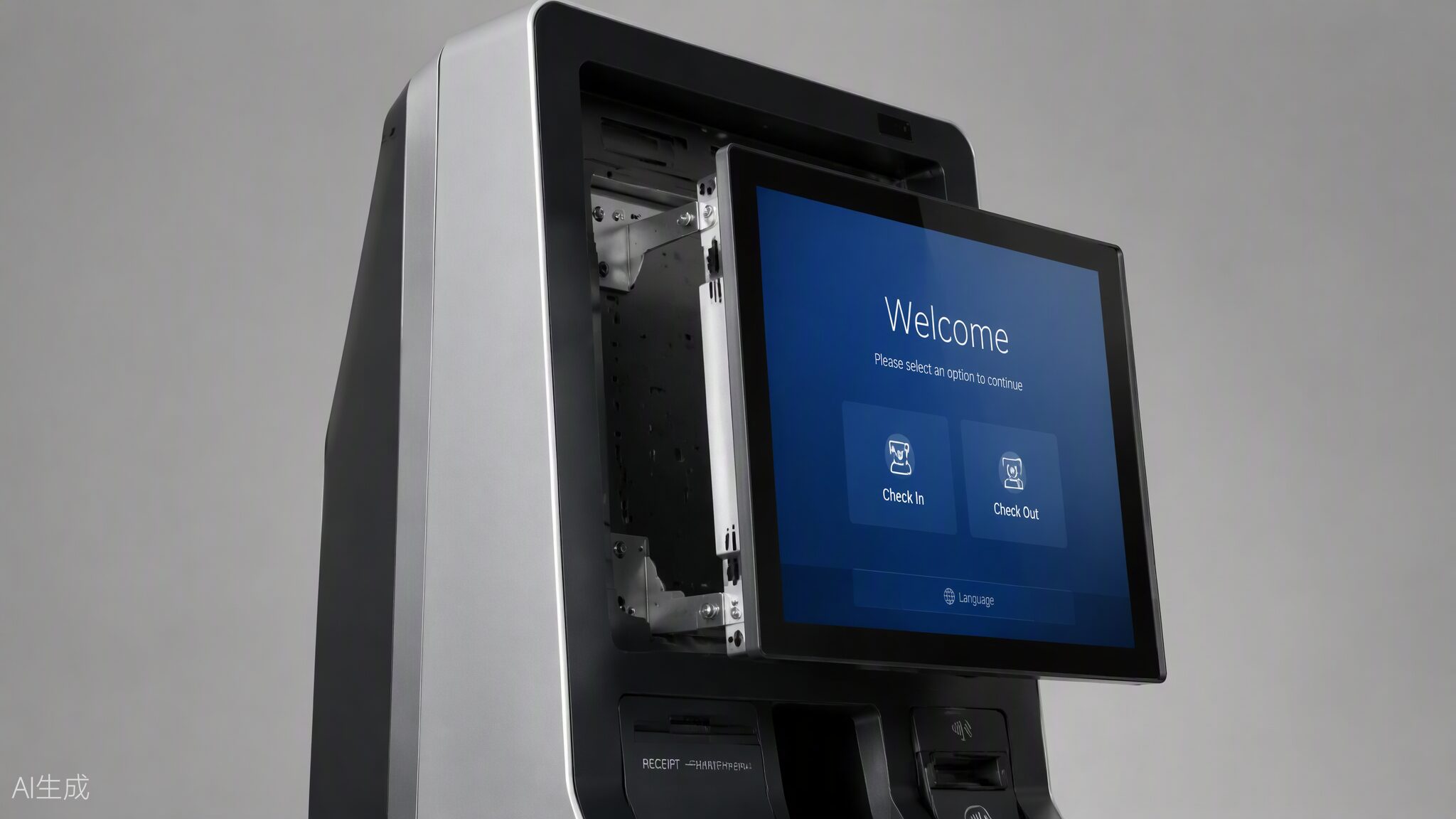
1. Start with Size — From the User Backwards
Do not pick a size from a catalog. Pick it from the user scenario:
- 10.1″–13.3″: countertop payment terminals, queue number dispensers, access control panels
- 15.6″–21.5″: the workhorse range — self-ordering kiosks, banking terminals, hotel check-in, library self-service
- 27″–32″: information kiosks, wayfinding, ticketing machines where content needs to be read at arm’s length
- 43″ and above: advertising-driven kiosks and interactive digital signage, usually in portrait mode
A simple rule: the screen should be readable at the distance the user naturally stands, with the primary action button reachable without stretching. If you are between two sizes, mock the UI at both and test with five real users.
2. Touch Technology: PCAP or IR
For indoor consumer-facing kiosks between 10″ and 32″, PCAP (projected capacitive) is the default choice — smartphone-like feel, true 10-point multi-touch, flat easy-clean glass. Choose IR (infrared) when users wear gloves, when the terminal is very large (43″+), or when the budget is tight at big sizes. We published a detailed PCAP vs IR comparison — if this decision is not settled, read that first.
3. Brightness: Match the Real Lighting, Not the Brochure
- Indoor, controlled lighting: 250–350 nits is enough
- Bright indoor / near windows / semi-outdoor: 700–1000 nits
- Direct sunlight: 1000–2500 nits, plus anti-glare treatment
Over-specifying brightness costs money and shortens backlight life. Under-specifying it makes your kiosk unusable every afternoon near a glass facade. Measure the actual site at the brightest hour before deciding.
4. Interfaces and Signals
Confirm three things with your mainboard or PC box before ordering:
- Video input: HDMI is standard; check if you need VGA or DisplayPort for legacy systems
- Touch interface: USB is universal; some industrial boards still require RS232 serial touch
- Power: 12V DC is common for open frame monitors; verify connector type and polarity, and whether the monitor and PC can share one adapter
A two-minute check here prevents the most common integration failure we see: a perfect monitor that cannot talk to the customer’s existing board.
5. Mounting and Mechanical Fit
Open frame monitors are designed to disappear into your enclosure. Check:
- Mounting pattern: VESA 75/100 is standard; side brackets and flange mounts vary by model
- Front bezel vs bezel-less: bezel-less gives the cleanest flush look; a thin bezel is more forgiving of enclosure tolerances
- Depth and ventilation: leave the manufacturer’s specified clearance behind the unit; heat is the silent killer of kiosk displays
Ask your display supplier for the 2D/3D mechanical drawing before cutting metal — any serious factory provides these free of charge.
6. Reliability: Ask How It Is Tested, Not Just the Spec Sheet
Industrial projects run 8–24 hours a day. Three questions separate real factories from trading companies:
- Do you run aging tests (powered-on burn-in) on every unit, and for how long? (Look for: every unit, 24–48 hours.)
- Is assembly done in a dust-controlled environment? Particles behind the cover glass are the top cosmetic complaint in kiosk projects.
- What is the backlight rated life? 30,000–50,000 hours is the industrial norm; consumer panels are often 15,000.
7. Customization: Decide What You Actually Need
Logo on the glass, special brightness, optical bonding, custom brackets, IP65 front sealing — all are possible, each adds cost and lead time. A good OEM partner will tell you which customizations matter for your scenario and which are decoration. If a supplier says yes to everything without asking about your application, be careful.
FAQ
Q1: What is the most popular open frame size for self-ordering kiosks?
15.6″ and 21.5″ PCAP models cover the majority of F&B and retail ordering projects, balancing screen real estate, enclosure size and cost.
Q2: Can I get a sample before committing to a project quantity?
Yes. Serious manufacturers support 1–2 unit sample orders for evaluation, typically shipping within one to two weeks for standard models.
Q3: How long should a kiosk display last?
With industrial panels (30,000–50,000h backlight) and proper ventilation, expect 5–7 years of daily operation. The display should never be the first component to fail.
Tell us your project requirements — size, installation method and usage environment — and our engineers will recommend a suitable open frame touch monitor within 24 hours. Contact us or check our FAQ for quick answers.