

US kiosk projects run on tight schedules and tighter accountability. When a display fails in the field, it is the integrator’s phone that rings — not the factory’s. That is why experienced US integrators qualify their display supply with a checklist, not a price sheet.
Here is the checklist our integration partners actually use, in the order issues surface during a project.
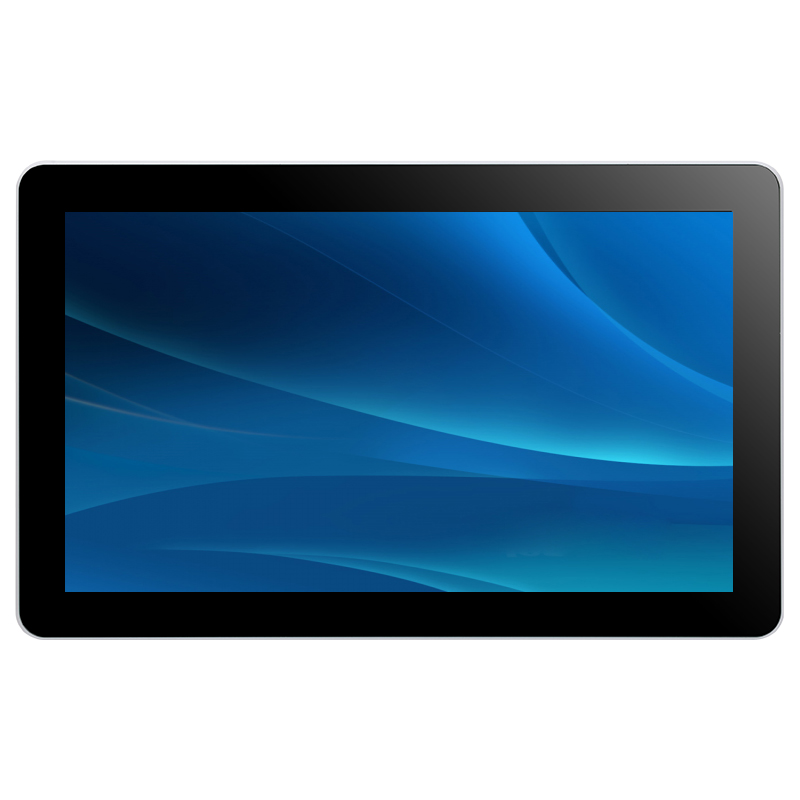
1. Mechanical Fit: Cutout, Depth, Tolerance
- Get the 2D/3D mechanical drawing before finalizing your enclosure — never scale from a datasheet photo.
- Confirm cutout dimensions and tolerance (±0.5 mm is typical for panel mount) and whether the front is flush-mount or bezel-overlap.
- Check rear clearance: depth plus connector bend radius plus ventilation gap. Most field failures are thermal, and most thermal problems were designed in at the drawing stage.
2. Interfaces: Lock Them Early
- Video: HDMI standard; confirm your media player’s output and cable length limits before choosing.
- Touch: USB HID is plug-and-play with Windows, Android and Linux — verify your OS image enumerates it without custom drivers.
- Power: 12V DC is common; check if the monitor can share the kiosk PC’s supply or needs its own. Inrush and brownout behavior matter on US job sites with shared circuits.
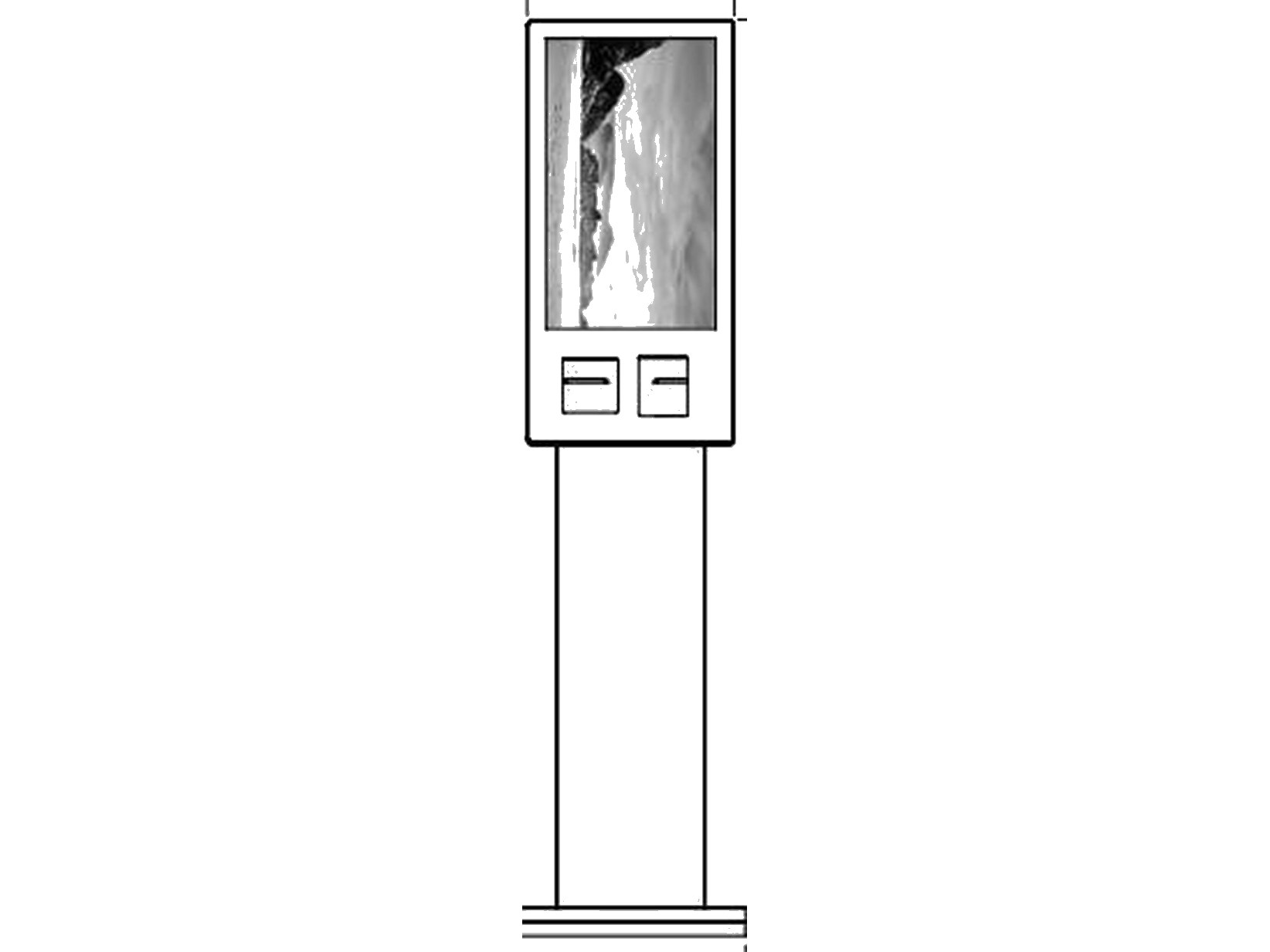
3. Touch Performance in the Real World
- PCAP for indoor, glove-free use; IR or gloved-capacitive variants for industrial and outdoor users.
- Ask about water rejection tuning — screens near entrances see raindrops and wet fingers; a well-tuned PCAP controller ignores them, a poorly tuned one ghost-touches.
- Thick cover glass (up to 6 mm): if your design calls for vandal-resistant glass, confirm touch tuning is done at your final glass thickness, not the catalog one.
4. Compliance and Documentation
US buyers and their end customers increasingly ask for paperwork. Before ordering, confirm what your supplier provides:
- FCC/CE/UL-related test reports or certificates for the monitor
- RoHS material compliance declaration
- Country of origin documentation for customs and tariffs
- Consistent model naming across orders — “same screen, new name” breaks approved vendor lists
Do not accept verbal assurances; a professional factory sends the documents in the first email.
5. Reliability: Burn-In and Traceability
- Every-unit aging test (24–48h powered) before shipping is the baseline for project-grade displays.
- Ask whether serial numbers and batch records are kept — when unit #183 misbehaves, traceability turns a crisis into a contained incident.
- Clarify the RMA process in writing: turnaround time, who pays freight, advance replacement availability for project customers.
6. Supply Continuity
US projects often reorder over 12–36 months as deployments scale. Ask:
- How long will this exact model remain available?
- What is the end-of-life notification policy? (Professional answer: 6 months minimum, with last-buy options.)
- Are key components (panel, touch controller) second-sourced to survive supply shocks?
7. Commercial Terms That Protect You
- Sample-first ordering: 1–2 evaluation units before project quantities — any factory confident in its product supports this.
- Spare ratio: budget 2–5% spares depending on fleet size and site distance.
- Lead time in writing, including what happens to the schedule during Chinese New Year.
FAQ
Q1: Do I need UL listing on the display itself?
It depends on the end customer and installation context. Many kiosks are certified as complete systems; component-level certificates help but are not always mandatory. Ask your customer early, then ask us — we will tell you exactly what documentation we hold, not what you want to hear.
Q2: What lead time should I plan for custom units?
Standard models ship in 1–2 weeks. Customized builds (brightness, bonding, brackets, logo) typically run 3–5 weeks including sample confirmation.
Q3: Can you match a display we are already buying elsewhere?
Yes — send us the spec or a photo of the nameplate. We will propose an equivalent or better, and a sample for side-by-side evaluation.
Working on a US kiosk deployment? Send your enclosure drawing or current spec — we will return a fit-check and quote within 24 hours. Contact us or read our guide on how to choose an open frame touch monitor for your kiosk project. Learn more about open frame touch monitors in our product range.