

Latin America is one of the fastest-growing markets for self-service kiosks. Supermarkets in Brazil, quick-service restaurants in Mexico, banks in Colombia and parking operators in Chile are all adding self-service terminals. Labor costs are rising, and customers are getting used to touching a screen instead of waiting in line.
For integrators and project buyers in the region, importing kiosks from China is often the most cost-effective way to source hardware. But a kiosk that works perfectly in a Chinese factory can fail quickly in Latin America if a few local details are missed. The good news: all of them can be prepared before you place the order. Here is what to check.
One more tip before we start: treat Latin America as a group of different markets, not one country. A configuration that is right for São Paulo may be wrong for Buenos Aires. The buyers who succeed here are the ones who prepare country by country.
Power: Voltage and Plugs Are Not the Same Everywhere
Latin America does not have one power standard. Mexico and Colombia run on 110–127V at 60Hz with Type A/B plugs. Argentina, Chile and Peru use 220V at 50Hz. Brazil is the special case: both 127V and 220V exist, sometimes in the same city, with the Type N socket.
The practical answer is simple. Order kiosks with wide-range power supplies (100–240V, 50/60Hz), and confirm the correct plug type and power cord for each destination country. Also plan for grid quality: voltage drops and surges are common in some areas, so a surge protector or a small UPS inside the cabinet is cheap insurance for the mainboard and the touch screen.
Language: Spanish First, but Not Only Spanish
A kiosk interface in English will not work for the general public in Latin America. Spanish is the default, Portuguese is required for Brazil, and many projects add English as a third option for tourist areas.
Two details matter at the hardware stage. First, screen size and layout: Spanish and Portuguese words are often longer than English ones, so buttons and menus need room. A cramped 21.5-inch layout that looks fine in English may overflow in Spanish. Second, the on-screen keyboard: it must support accents and special characters (á, ñ, ü, ç). Confirm this with your software team before the hardware is locked.
Also use neutral, international Spanish. Words that are normal in Mexico can sound strange in Argentina. Have a native speaker review the final interface text — it costs little and prevents embarrassing mistakes on a public screen.
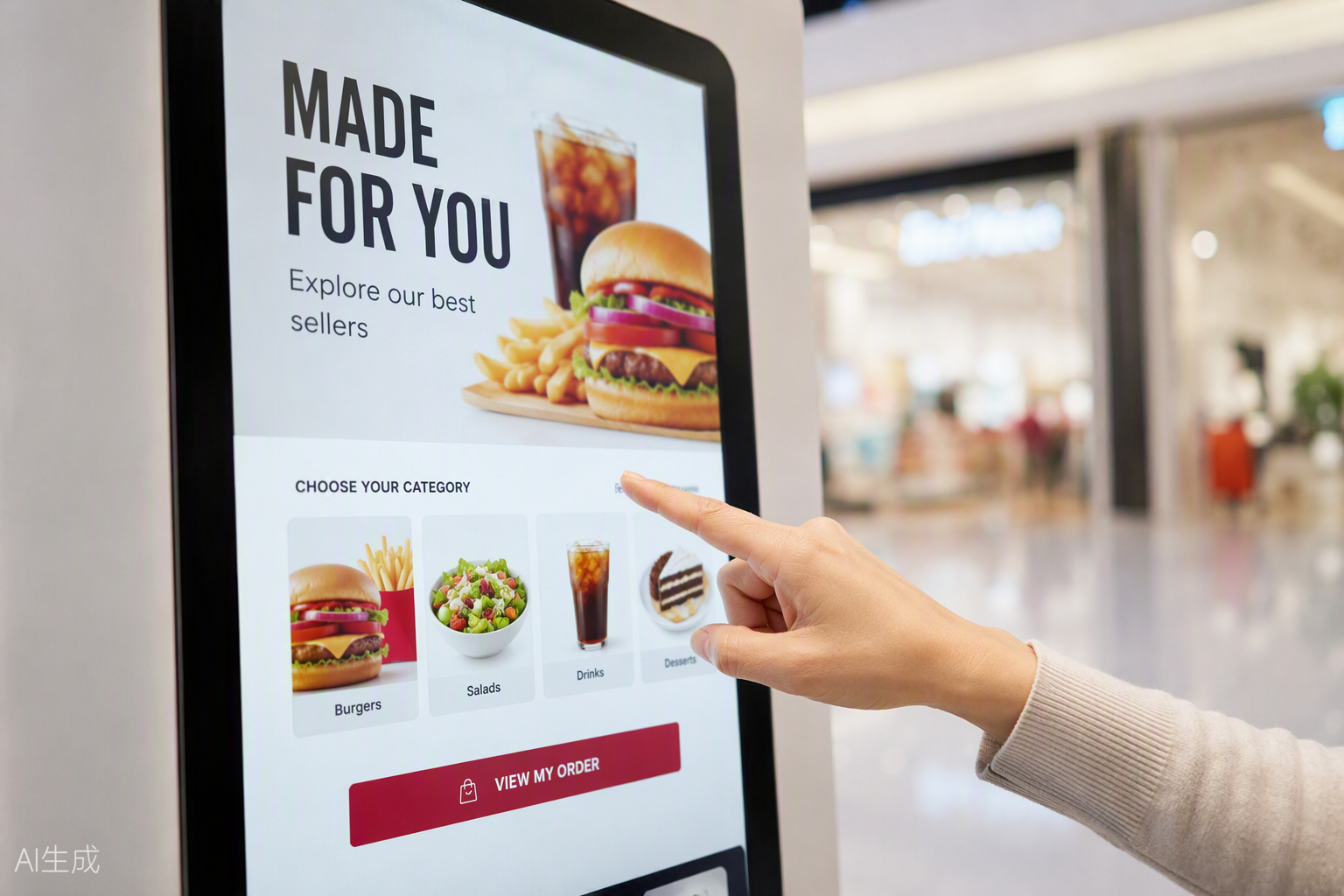
Payments: Cash Is Still King
Card penetration is growing fast, and Brazil’s PIX instant payment is now everywhere. But cash still matters in most of the region, and many self-service projects fail because they go cashless too early. In Mexico, for example, many consumers still pay online orders with cash at convenience stores. In several Andean and Central American countries, a large share of the population has no bank card at all.
Before you order, decide the payment mix per country: bill acceptor and coin recycler for cash-heavy sites, card reader support for local acquirers, QR scanning for PIX or local wallet apps. On the hardware side, this means the cabinet needs the right openings, mounting brackets and cable routing for each module. Standard interfaces like MDB, pulse and RS232 let your local payment partner connect their preferred devices without custom engineering. Changing a payment opening after the sheet metal is made is expensive — decide early.
Climate: Heat, Humidity, Dust and Altitude
Much of Latin America is tropical or subtropical. A kiosk in coastal Brazil or the Caribbean faces heat, high humidity and salt air. A kiosk in northern Mexico faces dust and extreme sun. And cities like Mexico City (2,240 m) or Bogotá (2,600 m) sit at high altitude, where thinner air cools electronics less effectively.
What to specify:
- For outdoor or semi-outdoor units: high-brightness screens (1,000 nits or more in direct sun), IP65-rated front, and a fan or air-conditioning plan sized for local summer temperatures.
- For humid and coastal sites: conformal coating on PCBs, stainless or properly coated cabinets, and anti-condensation design.
- For dusty areas: filtered air intakes and a cleaning schedule.
Tell your supplier the exact cities and whether the kiosk sits indoors, under a canopy, or in the open. “Latin America” is not a spec — a city and an installation photo are.
Certifications, Customs and Spare Parts
Each country has its own import rules. Mexico requires NOM certification for electrical products, Brazil has INMETRO, Argentina has IRAM, and Colombia has RETIE. Your customs broker will tell you exactly which documents each shipment needs — ask them before the goods leave China, not after they arrive.
Two more things experienced buyers always arrange in the first order:
- Spare parts kit: order 2–5% extra of the parts that wear or fail — touch screens, power supplies, fans, cables. Sea freight takes 30–45 days to most Latin American ports; you do not want a kiosk down for six weeks waiting for a $15 power supply.
- After-sales plan: agree with your supplier on how warranty parts are shipped, who pays freight, and how technical support works across time zones. A supplier with engineering support in English and experience shipping to the region saves you real money here.
A Short Checklist Before You Order
- Wide-range power supply (100–240V, 50/60Hz) and country-correct plugs
- Spanish/Portuguese UI confirmed, with fonts and layout tested
- Payment modules decided per country, with matching cabinet openings
- Brightness, IP rating and cooling matched to each installation city
- Certification documents confirmed with your customs broker
- Spare parts kit and warranty shipping terms in the contract
FAQ
Q: What voltage do kiosks need for Latin America?
A: The region mixes 110–127V/60Hz (Mexico, Colombia, Central America) and 220V/50Hz (Argentina, Chile, Peru), with Brazil using both. Specify a wide-range 100–240V, 50/60Hz power supply and the correct local plug, and the same kiosk model works across the region.
Q: Do I need INMETRO or NOM certification to import kiosks?
A: It depends on the country and product configuration. Mexico commonly requires NOM, Brazil INMETRO, Argentina IRAM and Colombia RETIE for electrical equipment. Confirm requirements with your local customs broker before shipping, and ask your supplier which certificates and test reports they can provide.
Q: Should kiosks for Latin America accept cash?
A: In most countries, yes — at least for the first phase. Card and QR payments (like PIX in Brazil) are growing fast, but cash remains important. A flexible cabinet design with standard MDB/RS232 interfaces lets you add or swap payment modules later.
Q: Can a standard indoor kiosk work outdoors in tropical climates?
A: No. Tropical sun, rain and humidity require a high-brightness screen (1,000+ nits), IP-rated sealing, proper cooling and corrosion-resistant materials. Always specify the installation city and exposure level to your supplier.
Q: How long does shipping from China to Latin America take?
A: Sea freight typically takes 30–45 days to major ports, plus customs clearance time. Plan spare parts and project schedules around this lead time.
Planning a Kiosk Project in Latin America?
LFTouch manufactures self-service kiosks and open frame touch monitors in our own factory, with in-house sheet-metal fabrication and cleanroom assembly, backed by 20 years of touch display manufacturing experience. We ship to Latin America regularly and can configure power, payment openings, brightness and sealing for your destination countries. Send us your project requirements — an engineer will reply with a configuration and quotation.
www.lftouch.com | sales@lftouch.com | WhatsApp: +86 133 1657 8506